> For the complete documentation index, see [llms.txt](https://quantsedge.gitbook.io/quantsedge-docs/llms.txt). Markdown versions of documentation pages are available by appending `.md` to page URLs; this page is available as [Markdown](https://quantsedge.gitbook.io/quantsedge-docs/getting-started/account-setup.md).
# Account Setup
Connect your wallet, configure security, and fund your trading wallet in under 10 minutes.
## Prerequisites
You'll need a crypto wallet such as MetaMask, Trust Wallet, or any WalletConnect-compatible wallet. Use a modern browser (Chrome, Brave, Edge, Safari) or the QuantsEdge iOS app for optimal performance. Plan to start with approximately $500-1000 USDC for initial trading capital.
## Step 1: Connect Your Wallet
**Desktop (MetaMask):**
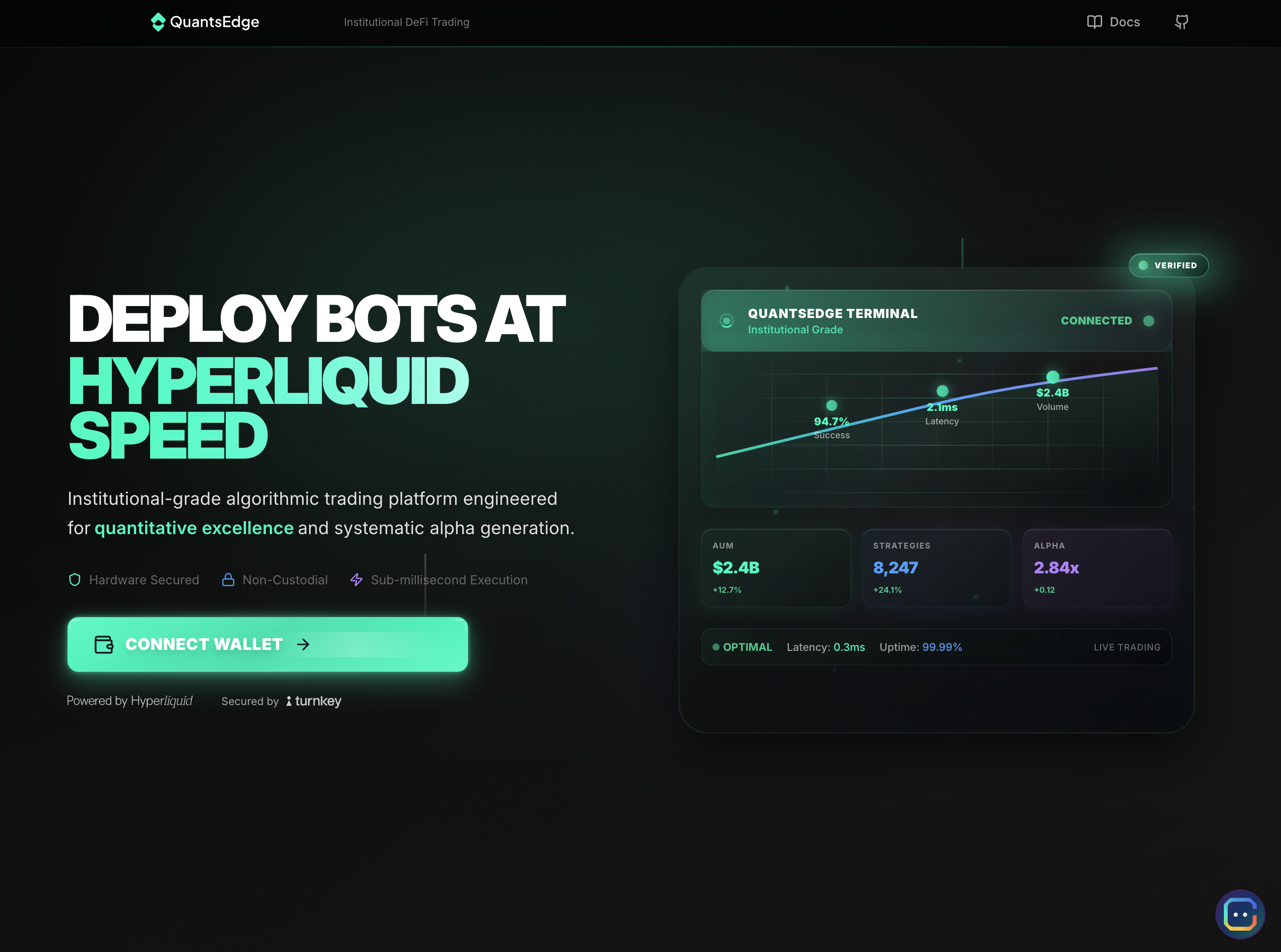
Visit [app.quantsedge.com](https://app.quantsedge.com), click "Connect Wallet" and select "MetaMask", then approve the connection and sign the authentication message (no gas fees required).
**Mobile (WalletConnect):**
Open the QuantsEdge app or website, click "Connect Wallet" and select "WalletConnect", scan the QR code with your wallet app, then approve the connection and sign the message.
**Note:** Your wallet is just for login. QuantsEdge creates a separate secure trading wallet automatically using Turnkey infrastructure.
[Detailed wallet security →](https://github.com/quantsedgeai/app/blob/wonk/docs/guides/wallets-and-security.md)
## Step 2: Automatic Trading Wallet
Once connected, QuantsEdge creates your secure trading wallet (takes \~5 seconds) using Turnkey secure enclave technology, linked to your login wallet while you maintain full control of private keys (we never access them), and optimized specifically for trading execution performance.
## Step 3: Configure Safety Limits
Go to **Settings → Risk Management** and set protective limits:
**Recommended Settings:**
| Limit | Recommended | Example ($10k account) |
| ---------------- | ---------------- | ---------------------- |
| **Daily Loss** | 5-10% of capital | $500-1000 |
| **Max Position** | 10-20% per trade | $1000-2000 |
| **Max Drawdown** | 15-25% total | $1500-2500 |
These act as **emergency brakes** to protect your capital.
[Risk management guide →](/quantsedge-docs/trading-fundamentals/risk-management.md)
## Step 4: Fund Your Trading Wallet
Navigate to Account → Wallet, copy your trading wallet address, send USDC from your personal wallet, then wait 1-2 minutes for confirmation.
**Starting Amounts:**
Beginner traders should start with $500-1,000, intermediate traders with $2,000-5,000, and experienced traders with $5,000 or more.
**Pro tip:** Send a small test transaction first to verify the address.
[Managing funds guide →](/quantsedge-docs/getting-started/managing-funds.md)
## Step 5: Optional Enhancements
### Enable Face/Touch ID (iOS)
**Settings → Security** → Enable biometric login for faster access
### Configure Notifications
**Settings → Notifications** → Choose alerts for bot events (start/stop), position changes, P\&L milestones, and risk limit breaches to stay informed about your trading activity.
[Notification guide →](https://github.com/quantsedgeai/app/blob/wonk/docs/guides/notifications.md)
## Setup Checklist
Complete your setup by ensuring your wallet is connected, trading wallet is funded, risk limits are configured, notifications are set (optional), and you've explored the platform.
## Next Steps
**Create Your First Bot:** [First Trading Bot Guide →](/quantsedge-docs/getting-started/first-trading-bot.md)
**Learn Strategies:** [Strategy Overview →](/quantsedge-docs/trading-strategies/strategy-overview.md)
**Need Help?** [FAQ →](/quantsedge-docs/reference/faq.md) | [Support →](/quantsedge-docs/help-and-support/contact-and-support.md)
***
**Security Reminder**: Never share your seed phrase. QuantsEdge will never ask for it. Enable all security features and review sessions regularly.
---
# Agent Instructions
This documentation is published with GitBook. GitBook is the documentation platform designed so that both humans and AI agents can read, navigate, and reason over technical content effectively. Learn more at gitbook.com.
## Querying This Documentation
If you need additional information that is not directly available in this page, you can query the documentation dynamically by asking a question.
Perform an HTTP GET request on the current page URL with the `ask` query parameter, and the optional `goal` query parameter:
```
GET https://quantsedge.gitbook.io/quantsedge-docs/getting-started/account-setup.md?ask=&goal=
```
`ask` is the immediate question: it should be specific, self-contained, and written in natural language.
`goal` is optional and describes the broader end goal you are ultimately trying to accomplish on behalf of the user. GitBook uses it to tailor the answer towards what is most useful for that goal.
The response will contain a direct answer to the question and relevant excerpts and sources from the documentation.
Use this mechanism when the answer is not explicitly present in the current page, you need clarification or additional context, or you want to retrieve related documentation sections.